

Each issue we present topics here about how to run your art business as well as tips and tricks on creating, framing and marketing your art. In this edition of Art Industry Insider, I will present some of the companies and software you can use to back up your very important images and suggest a few organizing tips as well. As a professional or hobby artist, your photo references and images of your artwork are very valuable. They are part of your creative process and a record of your ideas and work. As part of your business operations, it’s important to think about these valuable assets and how to properly ensure they are backed up and accessible. There are many solutions for data storage, and I suggest using a combination of the following:
There are so many photos, graphics and files that are created when running a small business, especially as artists since we have so many reference photos, process images and final artwork. For many of us, we use our iPhones to take all of our images. The back-up system that goes with that and auto stores your photos is called iCloud. This is a great solution for storing your original photos and syncs up with other Apple products like iPad.
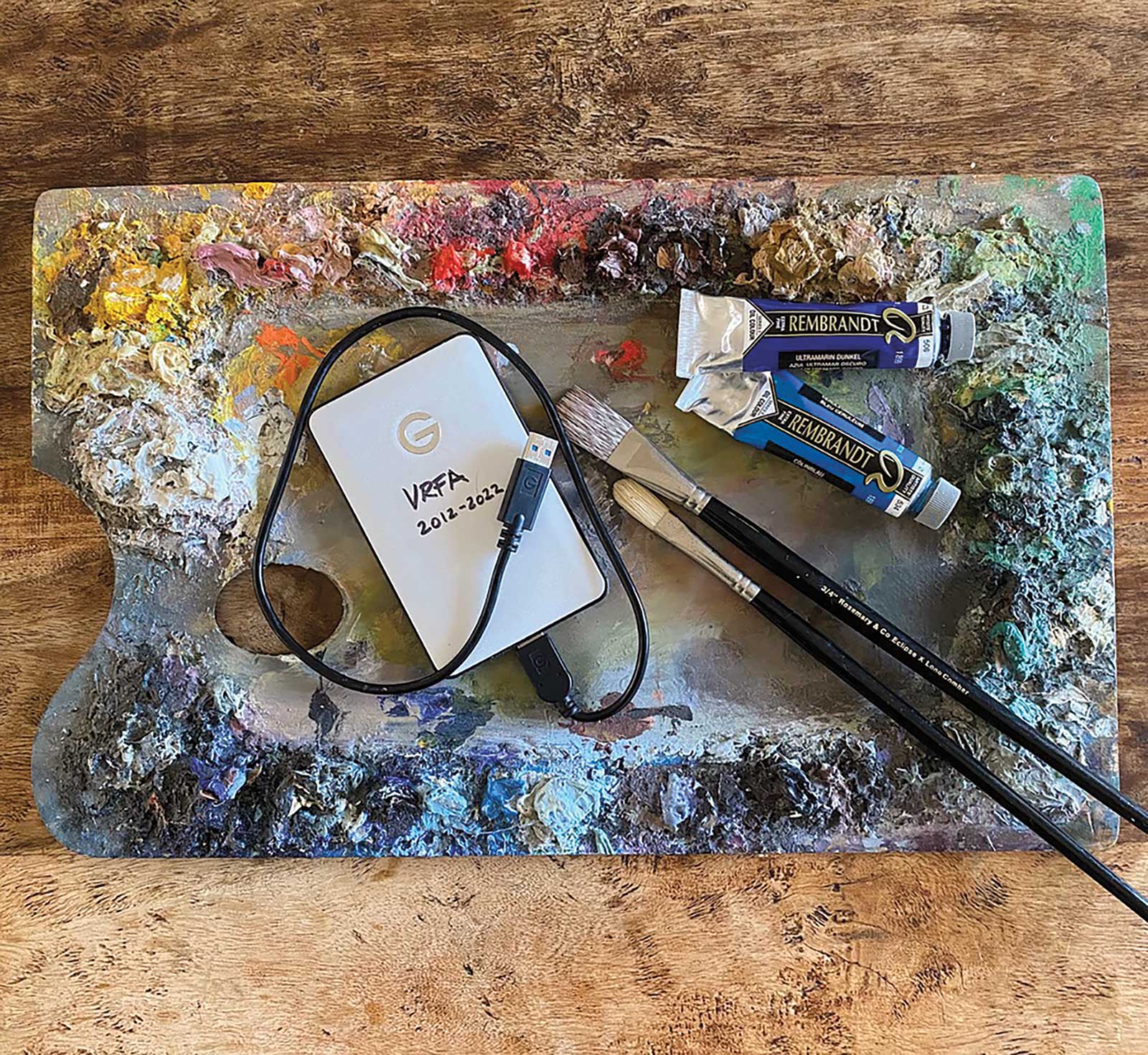
A hard drive for storing data, surrounded by brushes and paints.
There are many levels of storage ranging from 50GB to 200GB to 1TB (terabyte), which is what I use. Depending on how much memory your phone has some of them are stored directly on your phone, while the rest can be accessed from the cloud and loaded onto your phone when you need them. This is an easy way to store and access your images and was created for your use with your phone.
For Android users, there are other options including Microsoft’s cloud storage service called OneDrive. This software integrates with Windows and Microsoft programs instead of Apple and works in a similar manner.
TIP! Professional artists, don’t forget that monthly expenses for operational software usage could be a tax write-off at the end of the year.
Another important system that seems to work well for many of us professional artists is Dropbox. This is not only a great place to store your final artwork photos, but you can also very easily send them to galleries and clients. I use Dropbox often, creating various folders and sub-folders within each, with themes of my work. I load up my finished Photoshop advertising layouts that I send to magazines when I advertise my work and then use the “share” button to send it to the editors. I also use it to send folders of seascapes, for example, to an interior designer I work with when she needs to see a collection of sea-themed works for her client.
Growing more and more popular is Google Drive, with 15GB of free storage space or the basic plan of 100GB at $1.99 per month, which makes this one of the least expensive solutions. Their cloud storage works well with documents and paperwork for your business and integrates directly with Gmail and Google Docs.
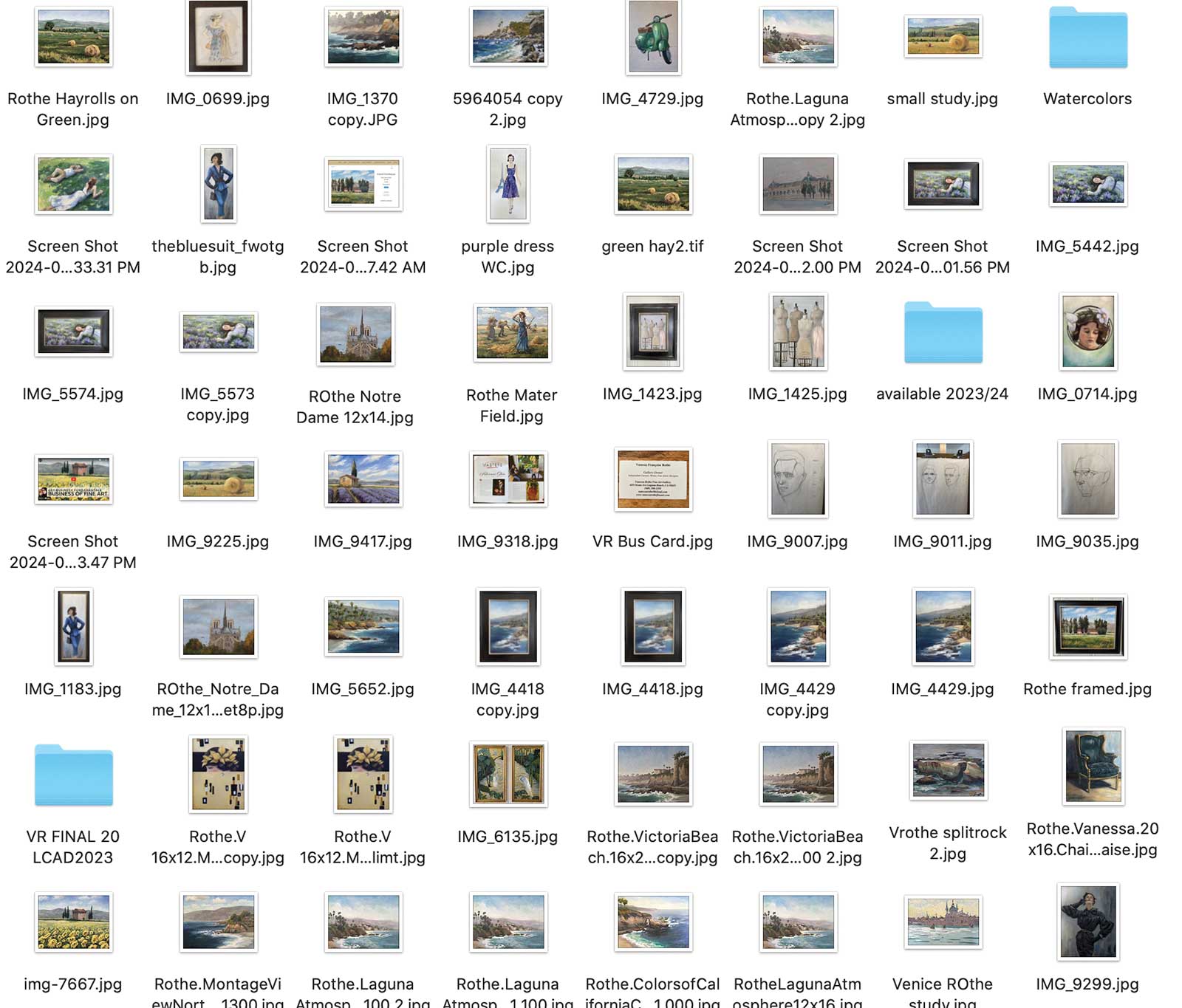
Files on a desktop to be backed up.
Another big company that seems to have a strong cloud drive system is Amazon. The free Amazon Cloud storage account gives you 5GB of space, with paid options that go up from there.
Most graphic designers I know use Adobe Creative Cloud to store artwork, which is usually created in their software programs such as Photoshop or Illustrator. This one is a monthly subscription that you get when you use their software programs and don’t want to have all your files taking up space on your desktop. If you use their programs, I encourage you to check out their memberships and see what free storage you may have included.
Personally, I store my references and art images (taken on my phone) on iCloud directly from my phone, and then I also have 1TB of storage that I pay $9.99 per month for. My very important final images of my artwork are added to my desktop in a folder. I open iCloud on my main computer and pull them into various organized files on the desktop. I organize them by subject and often the date and year, and sometimes by collection. I then back up the files on my computer to an actual physical hard drive about once a month to make sure I have a physical copy of important images, ad layouts, client files and business files. You can purchase these hard drive storage units anywhere (a good brand that I use is SanDisk).
In one of my next columns, I will discuss all of the other files you should be creating to run your business, how to organize your desktop with different folders, as well as a bit more about some fun new software created for artists to organize their life. —